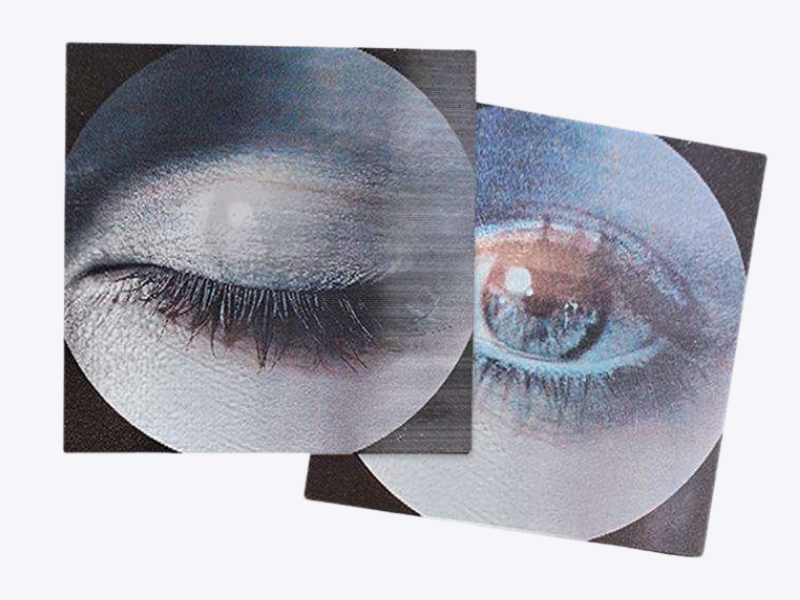
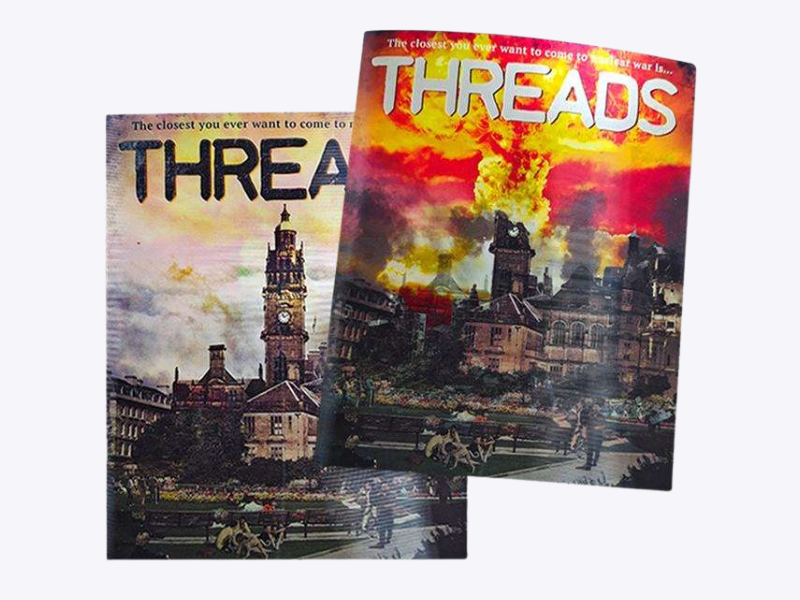
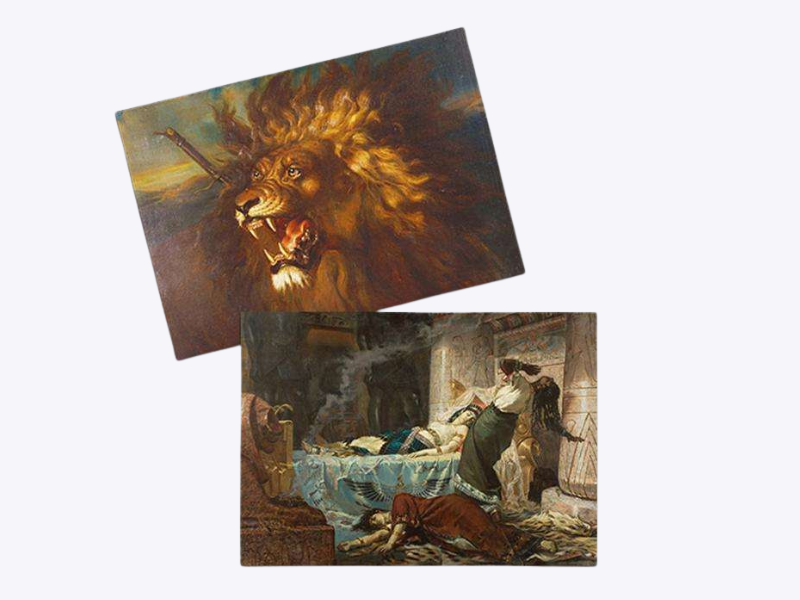
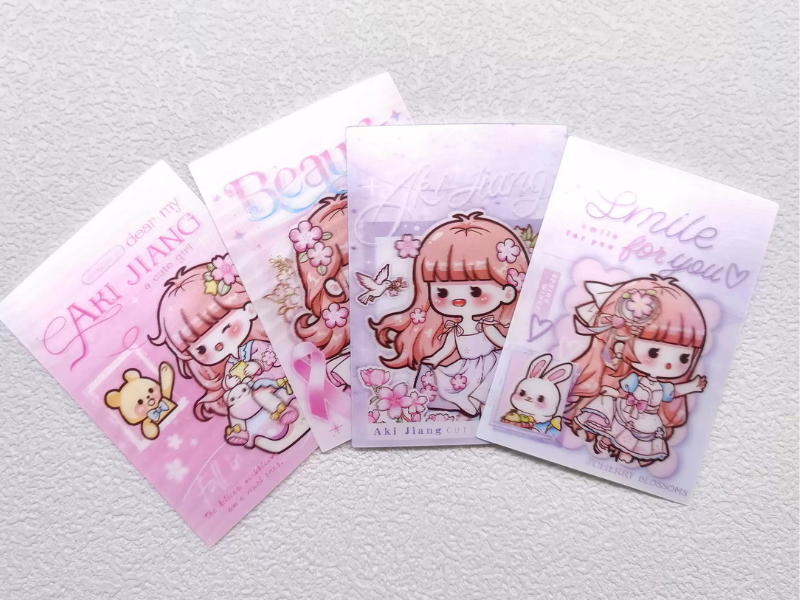
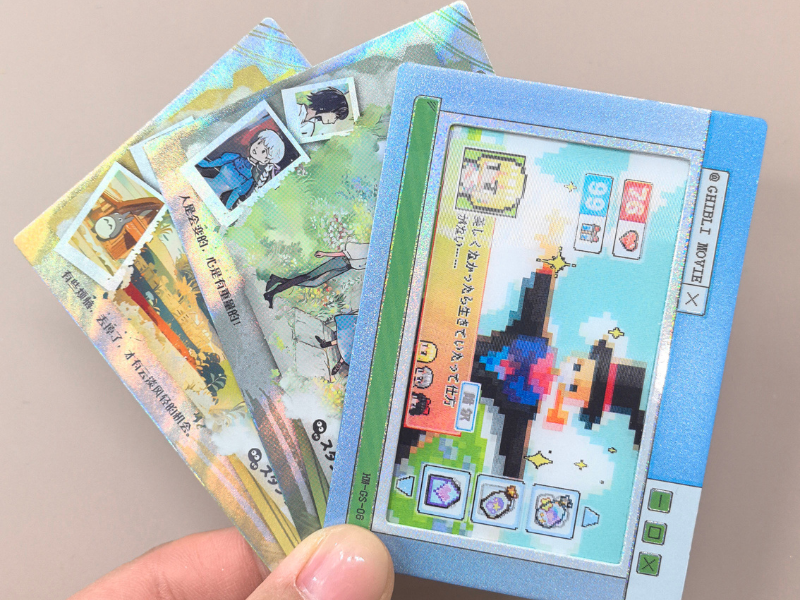
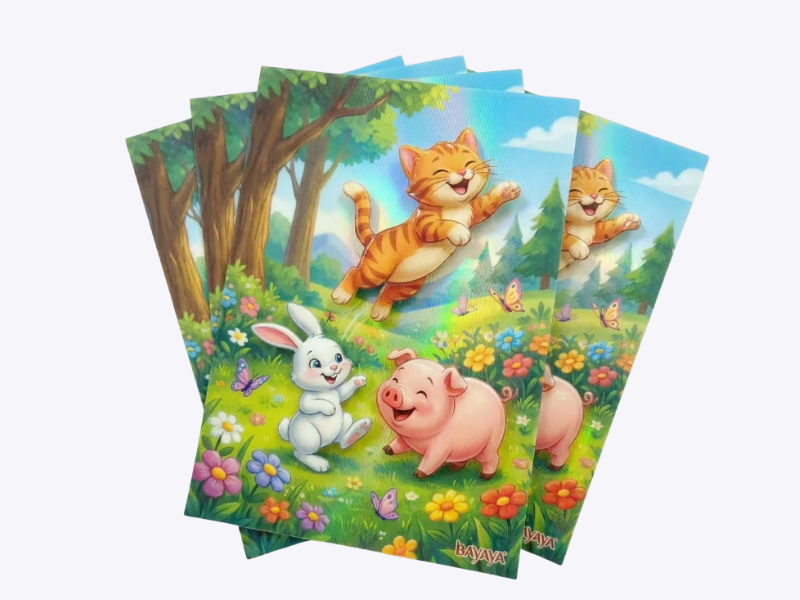
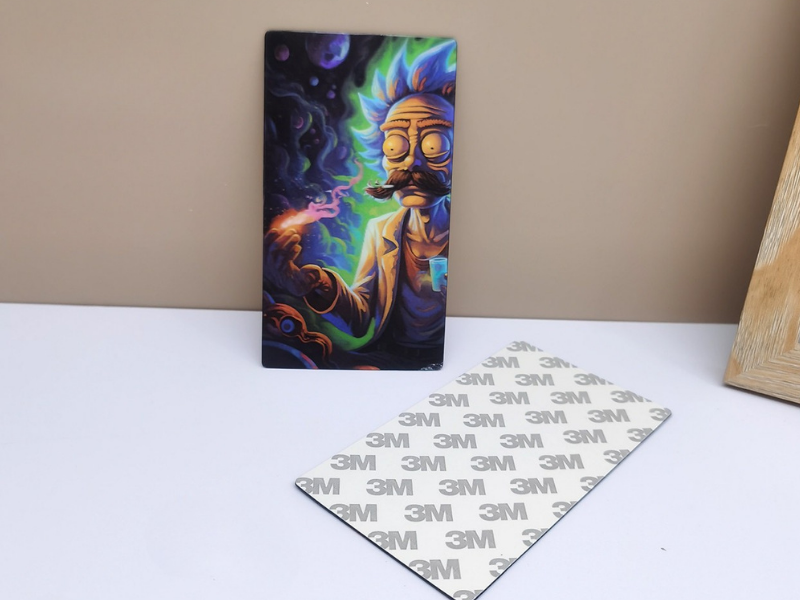

Tilt the Sticker. Reveal the Next Image.
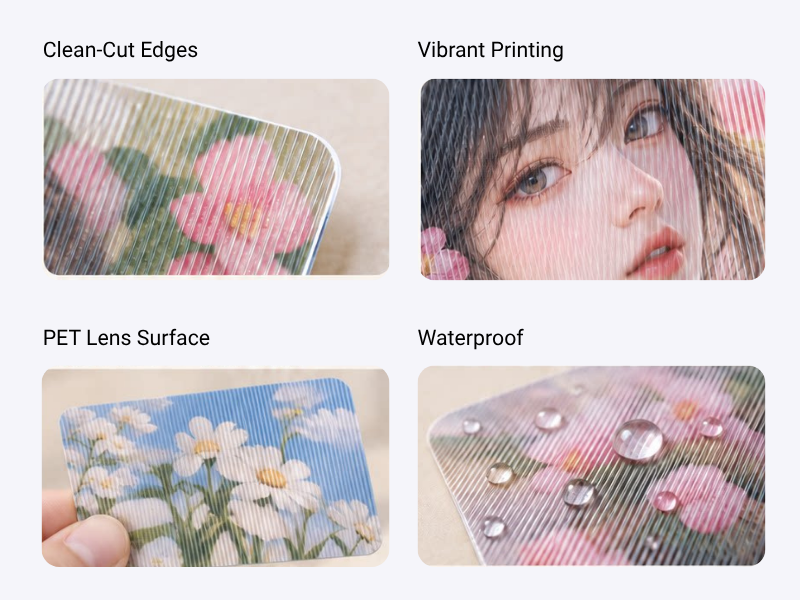
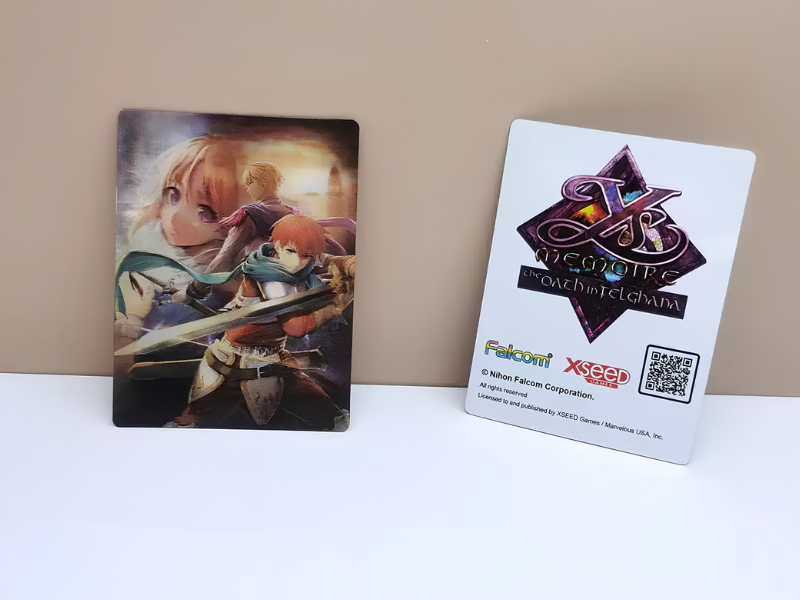
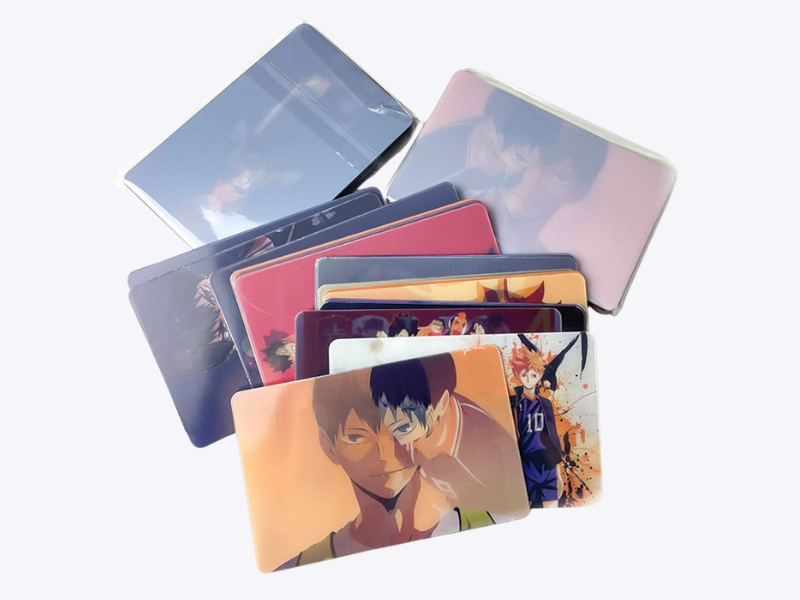
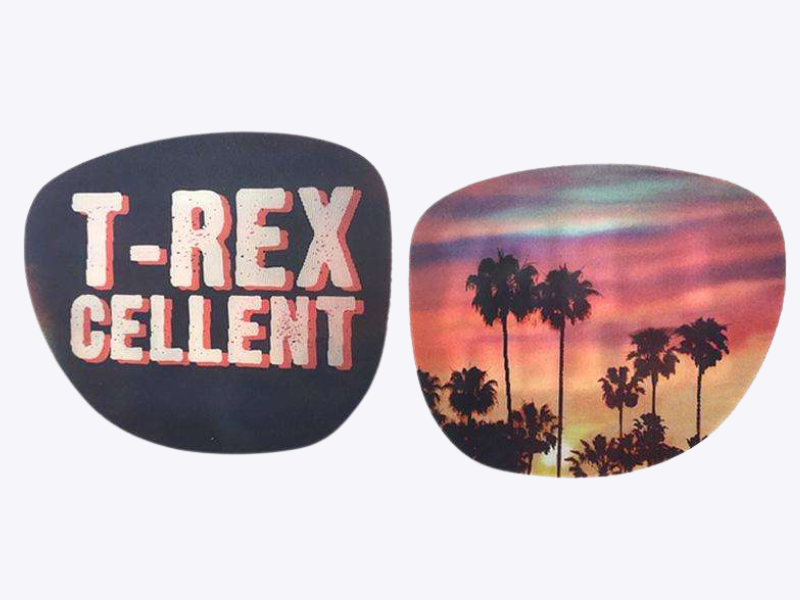
Pack 2 to 6 distinct images into a single sticker. Tilt it to switch from one graphic to the next—whether it’s a clean two-way reveal or a multi-step sequence. Choose the flip direction that suits how you want it to be viewed.
Top to Bottom · Recommended
Tilt the sticker up and down to change the image. We recommend this direction for smaller stickers, where it generally gives a cleaner switch.
Left to Right
Tilt the sticker from side to side to change the image. You may see faint traces of adjacent images at once—a natural optical effect that cannot be completely eliminated with this direction.
Flip direction describes how you tilt the sticker, not whether your artwork is portrait or landscape.